

Affiliate Dashboard: The Heart of Every Successful Affiliate Program
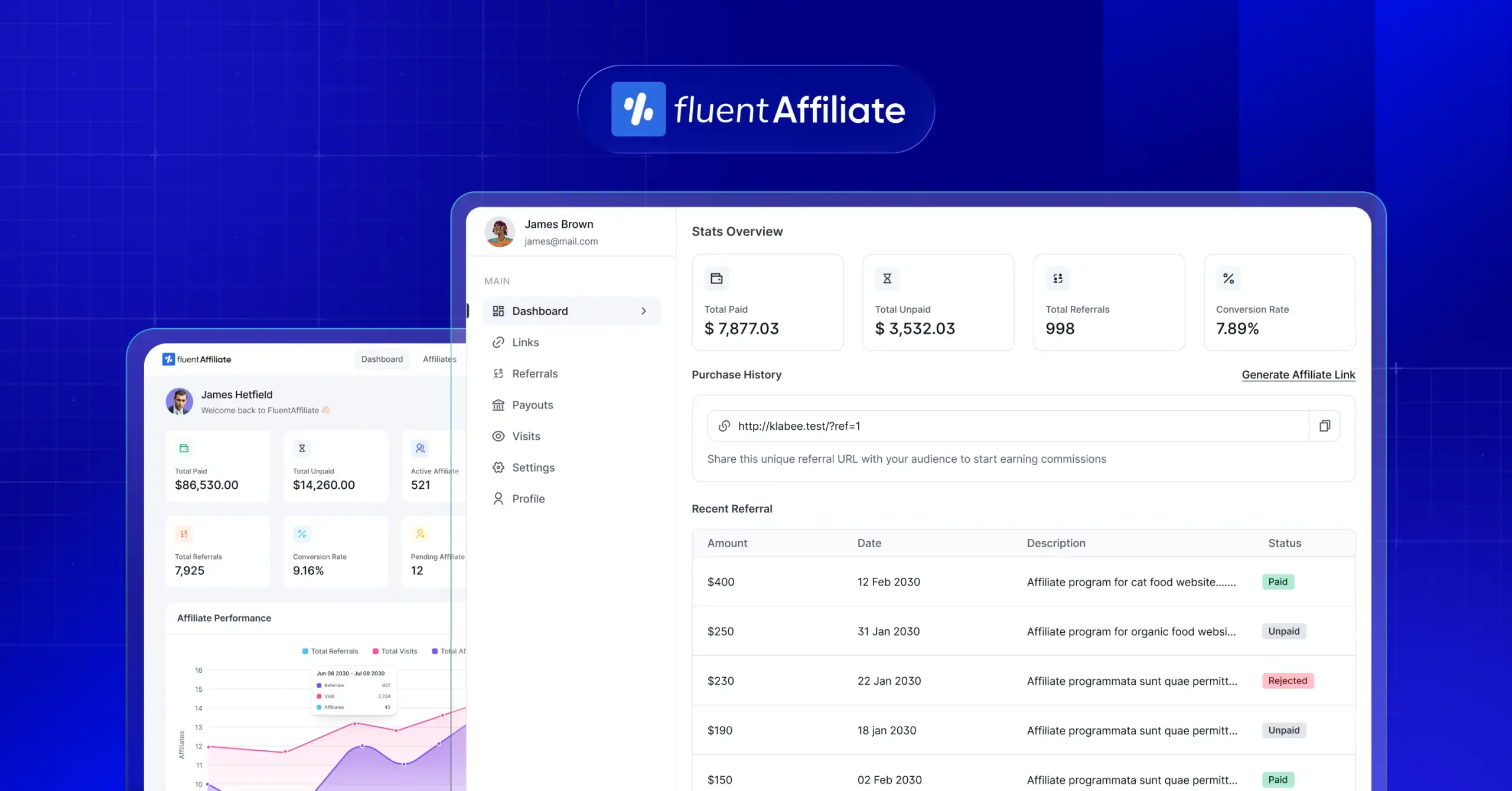
Running an affiliate program isn’t just about handing out links and waiting for sales to roll in.
It’s about creating an environment where affiliates feel empowered, informed, and motivated, and where admins can manage everything without chaos.
The tool that makes this possible?
The Affiliate Dashboard.
In this guide, we’ll break down everything you need to know about an affiliate dashboard: what it is, why it matters, the features it should have, and why FluentAffiliate delivers one of the best dashboard experiences in the WordPress ecosystem.
Let’s dive in.
What Exactly Is an Affiliate Dashboard?
An affiliate dashboard is the central hub where everything related to your affiliate program comes together. Think of it as the personal workspace for anyone involved, whether they’re promoting your products as an affiliate or managing the entire program from the admin side.
At its core, an affiliate dashboard provides affiliates with a simple, organized space to:
- See how their referrals are performing
- Track clicks, sales, and commissions
- Access their unique referral links
- Download promotional banners or marketing materials
- Manage their profile and payout details
On the flip side, the dashboard is equally essential for program managers. Admins use it to:
- Monitor affiliate performance
- Review conversions and click logs
- Approve or reject affiliate signups
- Manage commissions and payouts
- Upload or update promotional assets
- Configure program rules and settings
So, in a single sentence:
An affiliate dashboard is the control center of your affiliate program: a place where affiliates track progress and admins oversee everything.
Why the Affiliate Dashboard Matters
A well-designed affiliate dashboard isn’t just a convenience. It plays a critical role in the program’s growth, motivation levels, and long-term success. Here’s why it matters so much:
1. It Keeps Affiliates Motivated Through Transparency
Affiliates need to know whether their effort is paying off. When they can instantly see:
- How many clicks they generated
- How many conversions they achieved
- How much they’ve earned
- Which links perform best
they’re naturally encouraged to keep going. Real-time visibility builds trust, and trust leads to consistent performance.
2. It Reduces Confusion and Support Tickets
A surprising number of affiliate programs create unnecessary friction simply because affiliates can’t find basic information.
A strong dashboard prevents questions like:
- “Where do I find my affiliate link?”
- “Did my referral get counted?”
- “Why is my commission still pending?”
When everything is centralized and easy to access, your support inbox stays calm, saving time for both affiliates and admins.
3. It Helps Admins Manage the Program More Effectively
Behind every smooth-running affiliate program, there’s a dashboard giving admins complete visibility.
With a powerful admin dashboard, program managers can:
- Track top-performing affiliates
- Identify conversion sources
- Review suspicious activity
- Process payouts quickly
- Update commission rules
- Add or update promotional assets
This level of clarity helps you make better decisions and scale your program strategically.
4. It Strengthens Trust Between You and Your Affiliates
Trust is everything in affiliate marketing. Affiliates need confidence that your system is:
- Accurate
- Transparent
- Fair
A good dashboard shows them exactly what’s counted, when, and why, removing guesswork and replacing it with data they can rely on.
5. It Contributes Directly to Better Conversions
Affiliates perform better when they understand their audience’s behavior. With access to useful metrics like clicks, conversion rate, EPC, and top-performing links, they can adjust their promotion strategy in real time.
Better insights = smarter decisions = more conversions.
6. It’s the First Impression for New Affiliates
When someone joins your program, the dashboard is often the first thing they experience.
A clean, intuitive interface tells them:
“This program is professional. You’re in good hands.”
A confusing or outdated dashboard says the opposite, and can cause affiliates to lose interest before they even get started.
Core Features Every Affiliate Dashboard Should Have
While dashboards vary across tools, the essentials remain the same. Let’s explore what a modern, efficient, user-friendly dashboard must offer.
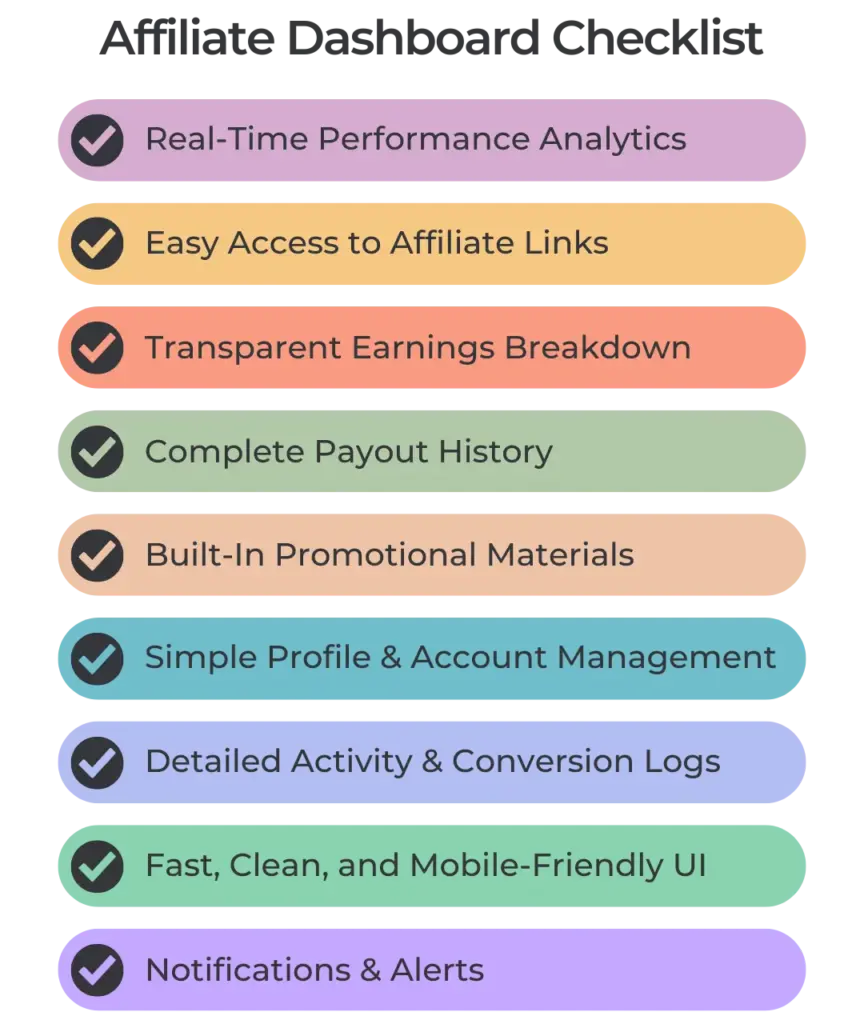
- Real-Time Performance Analytics
Affiliates need clear, instant insights into how their efforts are performing: including clicks, conversions, earnings, EPC, and top-performing links, so they can adapt their strategy without waiting days for updates.
- Easy Access to Affiliate Links
A great dashboard makes referral links effortless to find or create, allowing affiliates to quickly generate custom URLs, track campaign-based links, and start promoting right away without technical confusion
- Transparent Earnings Breakdown
Affiliates should be able to clearly understand their approved, pending, and rejected commissions, along with total and lifetime earnings, ensuring full transparency and trust.
- Complete Payout History
Every payout: past, pending, or scheduled, should be neatly documented with dates and statuses so affiliates always know when and how they’ll be paid.
- Built-In Promotional Materials
A strong dashboard includes banners, email swipes, social media creatives, product images, and brand assets in one place, helping affiliates promote faster without waiting for support.
- Simple Profile & Account Management
Affiliates should be able to update their personal details, change their payout method, and manage their account independently, reducing admin workload and support requests.
- Detailed Activity & Conversion Logs
A clear breakdown of clicks, conversions, IP logs, devices (if supported), and campaign sources helps affiliates understand what’s working while giving admins visibility into suspicious activity.
- Fast, Clean, and Mobile-Friendly UI
A lightweight, intuitive dashboard ensures affiliates can work smoothly on any device, without slow loading times or confusing layouts getting in the way. - Notifications & Alerts
Useful alerts about new commissions, payouts, program updates, or added promotional materials keep affiliates informed, engaged, and motivated.
What an Admin Dashboard Should Offer
While the affiliate dashboard focuses on affiliate experience, the admin dashboard is about management, clarity, and operations.
Let’s look at what admins need:
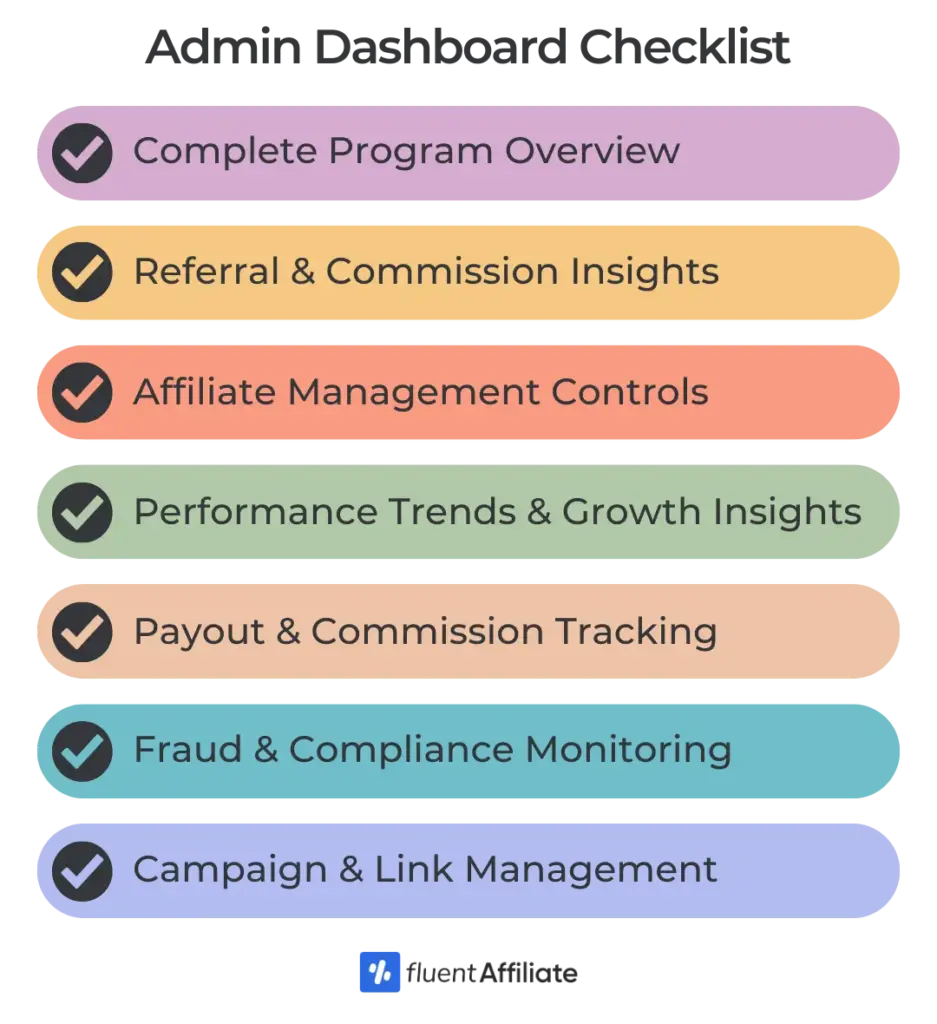
- Complete Program Overview
An admin dashboard should give you an immediate snapshot of your entire affiliate program, showing total affiliates, active partners, recent referrals, pending commissions, payout statuses, and overall revenue trends in one clean view.
- Detailed Referral & Commission Insights
Admins need to see exactly where referrals are coming from, how commissions are being generated, and which affiliates or campaigns are driving the most value. A great dashboard breaks down clicks, conversions, sales volume, approval rates, and commission totals with real-time accuracy.
- Affiliate Management Controls
The admin area should make it simple to review applications, approve or reject affiliates, update their details, assign them to campaigns, adjust commission rates, and monitor their activity without digging through scattered menus or external tools.
- Campaign & Link Management
A strong admin dashboard allows you to create offers, generate tracking links, set commission rules, add bonuses, manage coupon codes, and segment affiliates based on product lines or campaign performance, all from one central place.
- Payout & Commission Tracking
Admins should be able to see who is eligible for payout, the total amount owed, which commissions are pending or on hold, and each affiliate’s preferred payment method. A well-built dashboard helps you process payouts faster and avoid errors.
- Fraud & Compliance Monitoring
The admin interface should include tools that flag suspicious behavior such as sudden click spikes, repeated visits from the same IP, or unusually high conversions. This helps you protect your program and keep affiliate activity legitimate. - Performance Trends & Growth Insights
Beyond daily stats, the dashboard should highlight long-term trends, monthly comparisons, campaign performance reports, top affiliates, and projected payouts. These insights help admins make smarter decisions and scale the program intentionally.
Affiliate Dashboard vs Admin Dashboard: Key Differences
Both dashboards work together to create a seamless ecosystem, and FluentAffiliate excels in every regard.
| Feature / Focus Area | Affiliate Dashboard | Admin Dashboard |
|---|---|---|
| Primary Purpose | Helps affiliates track performance, earnings, and promotional assets | Helps admins manage the entire affiliate program and monitor overall activity |
| User Type | Affiliates / Partners | Site Owners / Program Managers |
| Performance Insights | Shows clicks, conversions, earnings, EPC, and top links | Shows global stats, total referrals, program revenue, approval rates, and trends |
| Link Management | Allows affiliates to access or generate unique referral links | Allows admins to create, edit, and manage campaigns and link structures |
| Commission Visibility | Displays approved, pending, and rejected commissions | Controls commission rules, tiers, adjustments, and commission approvals |
| Payout Information | Shows payout history, status, and preferred payment method | Manages payout queues, payment processing, and affiliate eligibility |
| Promotional Materials | Provides creatives, banners, swipe copy, and brand assets | Allows admins to upload, update, or remove promotional resources |
| Account Settings | Lets affiliates update profiles and payment details | Allows admins to manage affiliate accounts, statuses, and user roles |
| Fraud Monitoring | Limited to viewing logs or activity messages | Full access to click logs, IP monitoring, suspicious behavior alerts |
| Program Control | No control — only views data | Complete control over program operations, settings, and integrations |
| Access Level | Restricted and simplified | Full access to all features and configuration options |
FluentAffiliate: Why It’s the Best Affiliate Marketing Dashboard
Now let’s talk about FluentAffiliate. Most affiliate plugins either:
- overwhelm users with cluttered dashboards
- require multiple addons
- slow down your WordPress site
FluentAffiliate avoids all of that. Here’s what makes it stand out:
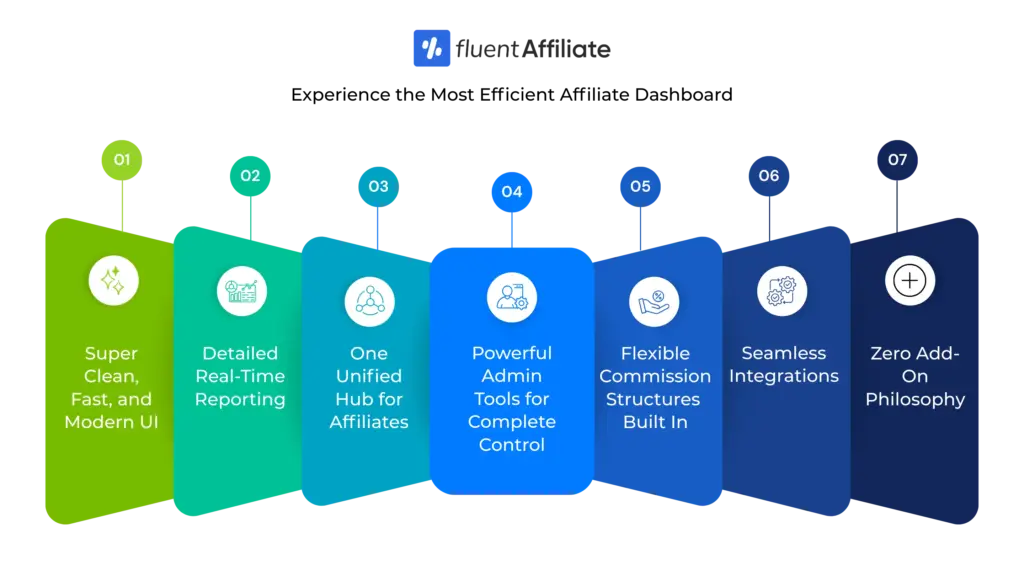
1. Super Clean, Fast, and Modern UI
FluentAffiliate’s dashboard is designed with clarity and ease of use in mind: minimal, lightweight, and structured with proper UX best practices so even non-technical users can immediately understand how to navigate and manage everything without confusion.
2. Real-Time Reporting Without Slowing Down WordPress
Many analytics-heavy plugins slow down WordPress, but FluentAffiliate is engineered differently, using smart caching and optimized queries to deliver real-time reporting that loads instantly without affecting your site’s overall speed or performance.
3. One Unified Hub for Affiliates
Affiliates get a seamless, centralized dashboard where everything they need, performance overview, referral links, reports, payouts, promotional materials, and profile settings, is organized in one place, offering complete clarity without overwhelming menus or scattered pages.
4. Powerful Admin Tools for Complete Control
Admins enjoy a premium management experience with full program snapshots, leaderboards, conversion analytics, payout controls, integration logs, and detailed click and conversion records, giving them total oversight and the tools to run a high-performing affiliate program with confidence.
5. Flexible Commission Structures Built In
FluentAffiliate lets you set commissions globally, per product, per affiliate, per user role, or based on tiers, with options for flat-rate or percentage models, features that usually require expensive add-ons in other plugins but come built directly into FluentAffiliate’s core system.
6. Seamless Integrations
The plugin connects instantly with WooCommerce, Easy Digital Downloads, Fluent Forms, Tutor LMS, LifterLMS, WishList Member, and more, making it ideal for ecommerce stores, course creators, membership sites, service providers, or any business running an affiliate program.
7. Zero Add-On Philosophy
Where many affiliate plugins charge extra for essentials like payout automation, tiered commissions, custom links, or advanced reporting, FluentAffiliate includes these features natively, giving you a complete, all-in-one affiliate management solution with no hidden add-ons or upgrades.
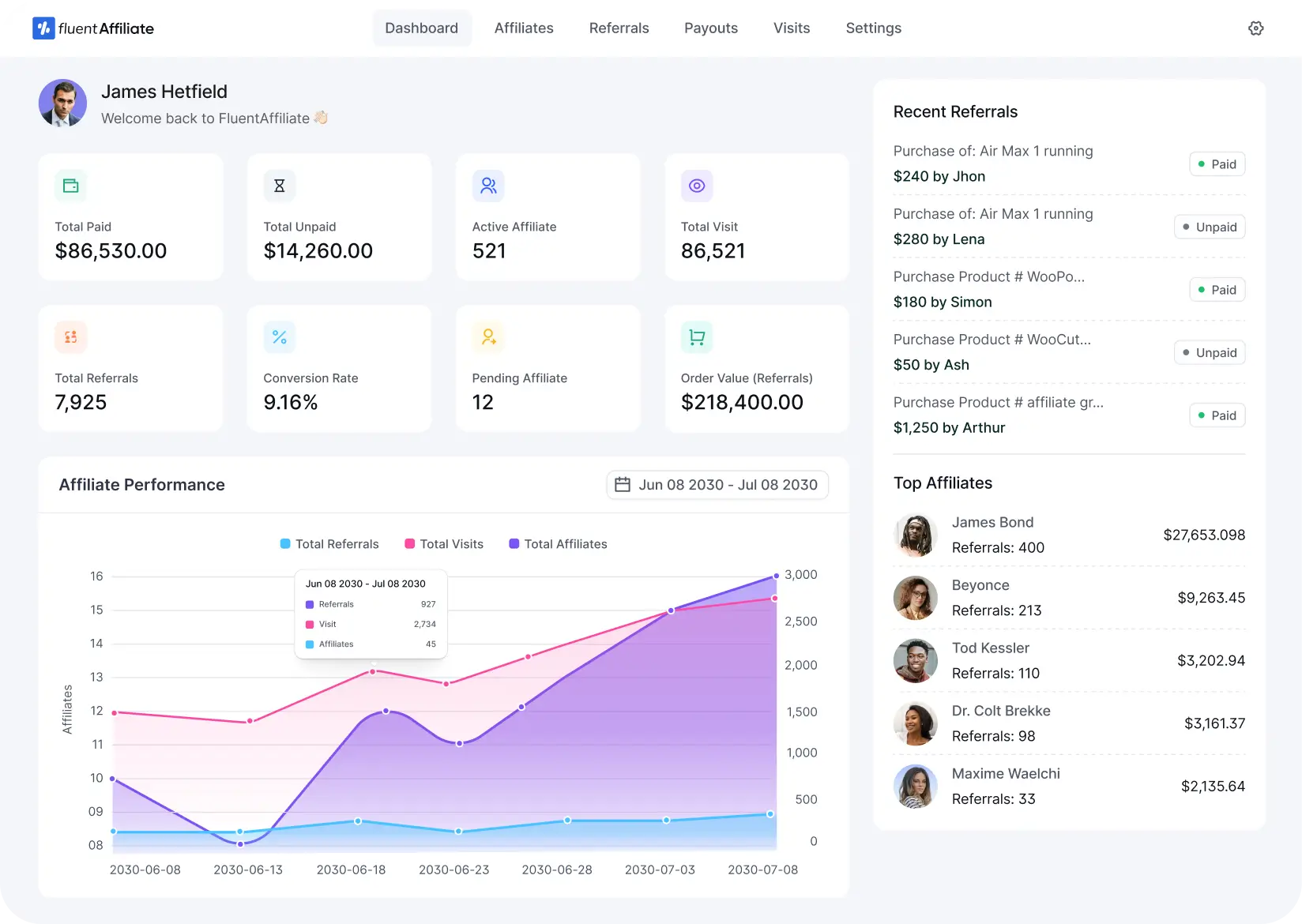
Get the Best Affiliate Dashboard Experience
Walkthrough: Inside FluentAffiliate’s Affiliate Dashboard
Here’s what affiliates see after logging in:
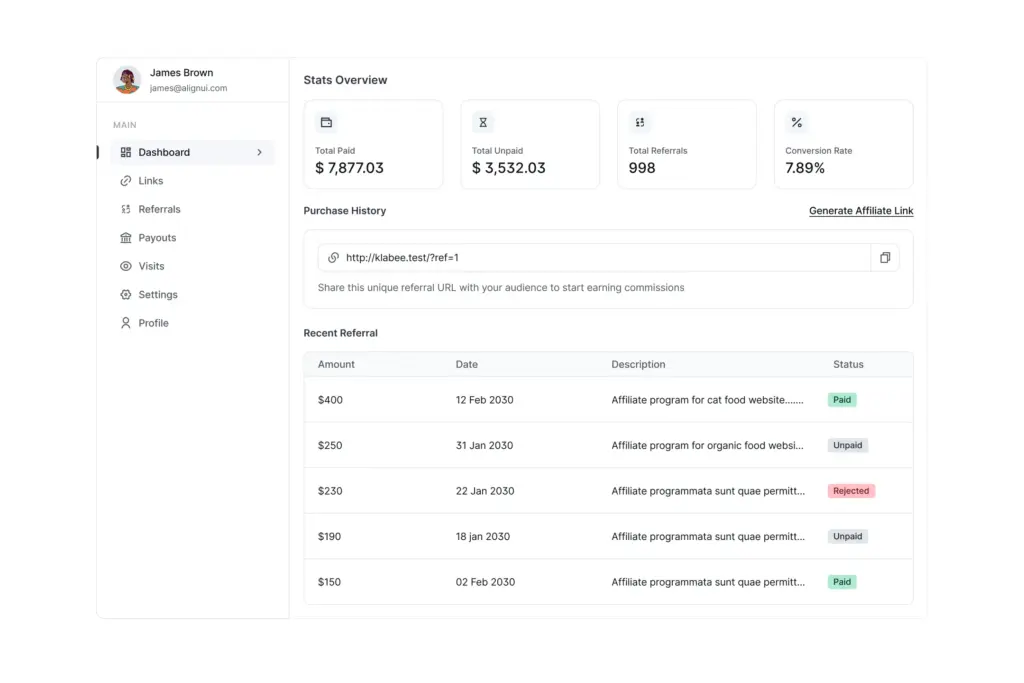
A. Dashboard Home
A clean overview of:
- Total earnings
- Visits
- Conversions
- Conversion rate
- Paid commissions
- Charts showing trends
Affiliates can evaluate performance instantly.
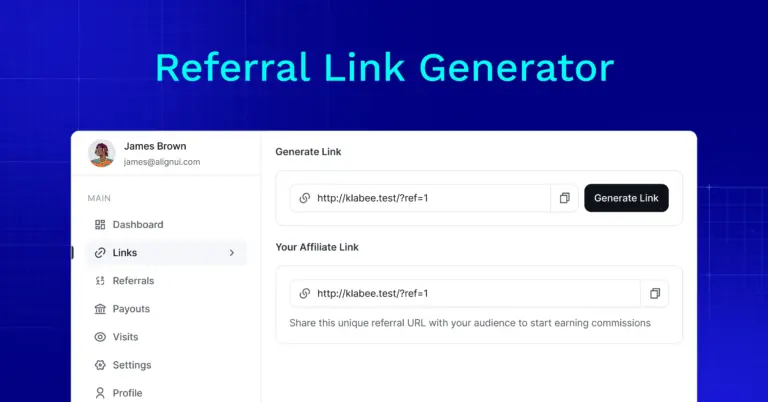
B. Affiliate Links
They get:
- Default referral URL
- Custom URL generator
- Campaign tracking parameters
Perfect for bloggers, influencers, and YouTubers.
C. Reports
This page includes:
- Detailed breakdown of clicks
- Conversion history
- Commission types
- Payout status
Everything is organized in simple tables.
D. Payouts
Affiliates can:
- View past payouts
- Track pending ones
- See method and status
This creates transparency.
E. Promotional Materials
Here they find:
- Banners
- Media files
- Brand guidelines
- Email templates
A complete content kit.
F. Settings
Affiliates can edit:
- Payment method
- Personal details
- Notifications
Zero support needed.
Walkthrough: Inside FluentAffiliate’s Admin Dashboard
Admins get a more powerful control panel.
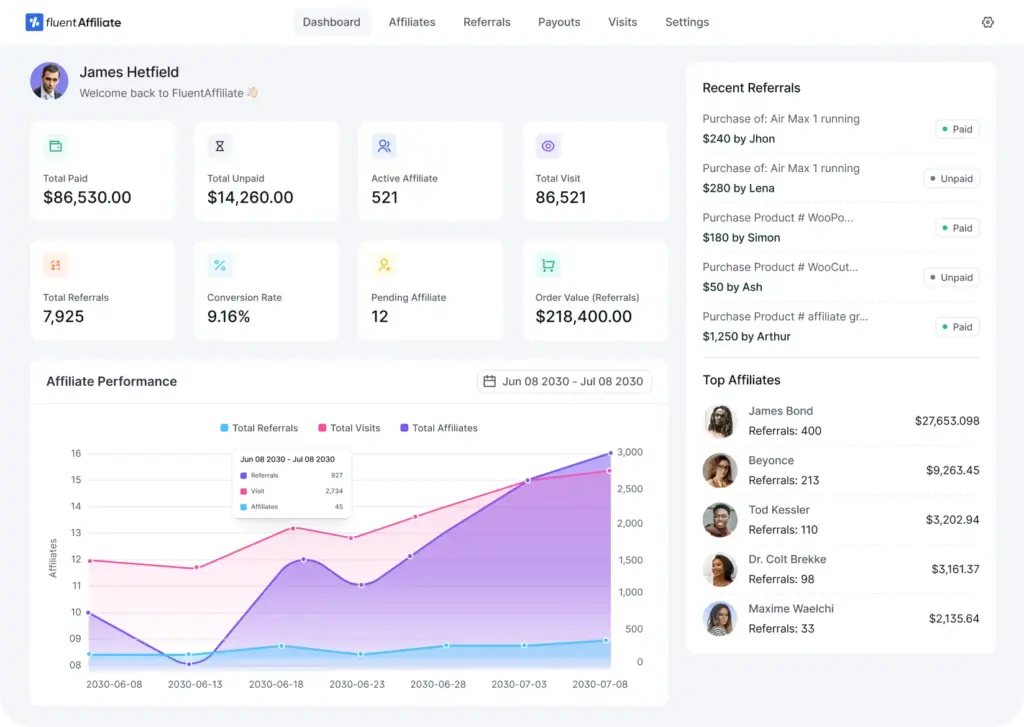
A. Program Overview
Shows:
- Total affiliates
- Active/inactive affiliates
- Clicks
- Conversions
- Total earnings
- Pending payouts
- Leaderboard
A perfect birds-eye view.
B. Manage Affiliates
Admins can:
- Approve/deny applications
- View affiliate profiles
- Assign custom commissions
- Disable fraudulent affiliates
Everything is under one tab.
C. Conversions & Click Logs
Track every:
- Referral click
- IP address
- Conversion detail
- Commission type
- Date and time
This insight helps optimize your program.
D. Payout Management
This is where FluentAffiliate shines.
Admins can:
- Approve commissions
- Batch process payouts
- Mark them as paid
- Export payout reports
It’s smooth, fast, and intuitive.
E. Global Settings
Configure:
- Cookie duration
- Commission structure
- Program terms
- Email notifications
- Integration rules
All without any addons.
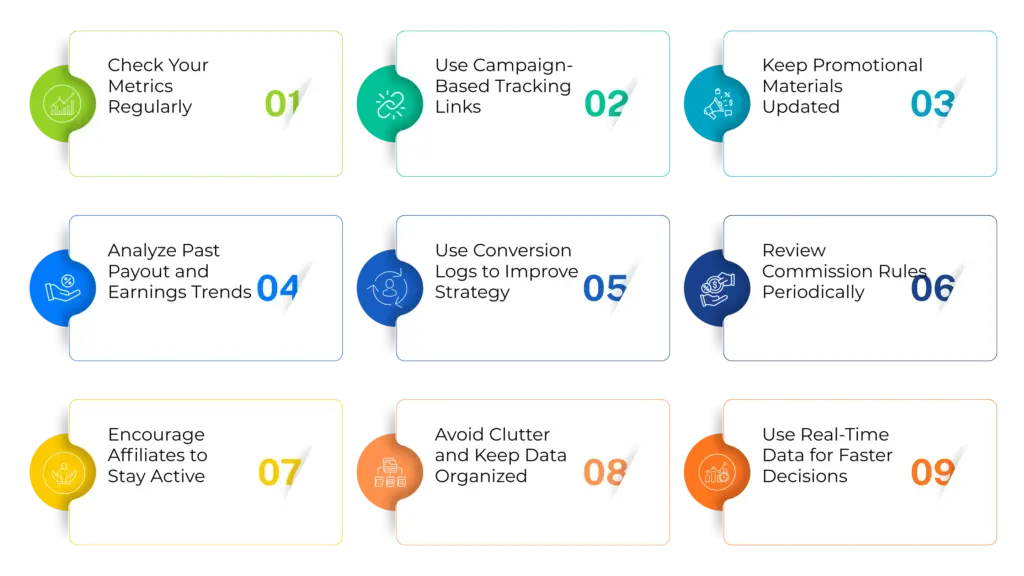
Best Practices to Get the Most Out of Your Affiliate Marketing Dashboard
Whether you use FluentAffiliate or another tool, these tips help maximize results.
1. Check Your Metrics Regularly
Whether you’re an admin or an affiliate, reviewing your core stats: clicks, conversions, earnings, trends, and top-performing links. It helps you spot what’s working and quickly adjust what isn’t.
2. Use Campaign-Based Tracking Links
Instead of relying on a single generic link, create campaign-specific URLs for email, social media, blogs, ads, or influencers. This makes it easier to track performance and identify which channels deserve more focus.
3. Keep Promotional Materials Updated
Admins should frequently upload fresh creatives, swipe copy, banners, and product materials, while affiliates should revisit the assets tab regularly to stay updated with the latest resources that can help boost conversions.
4. Analyze Past Payout and Earnings Trends
Looking at previous months’ earnings, payouts, and performance patterns helps affiliates refine their strategies and helps admins forecast growth, budget payouts, and identify top partners to support further.
5. Use Conversion Logs to Improve Strategy
The click and conversion logs inside your dashboard reveal devices, traffic patterns, and user behavior. Affiliates can use this to optimize campaigns, while admins can spot suspicious activity or trends that need extra attention.
6. Review Commission Rules Periodically
Admins should ensure commission settings still align with business goals, whether that means adjusting rates, adding tiers, or segmenting affiliates. Affiliates should stay aware of the rules to maximize eligible earnings.
7. Encourage Affiliates to Stay Active
Admins can use dashboard announcements, new promotional assets, seasonal campaigns, or leaderboard updates to keep affiliates motivated. A lively dashboard increases participation and program performance.
8. Avoid Clutter and Keep Data Organized
Both admins and affiliates should maintain clean dashboards, removing outdated assets, closing old campaigns, and sorting reports. It ensures the interface always feels organized and actionable.
9. Use Real-Time Data for Faster Decisions
The biggest advantage of a modern dashboard is immediate feedback. Affiliates can pivot strategy on the same day, while admins can fix issues, approve new partners, and prevent fraud before it becomes a problem.
Final Thoughts: A Great Affiliate Dashboard Builds a Great Affiliate Program
Your affiliate dashboard is more than just a panel; it’s the backbone of your program.
A well-designed dashboard:
- Reduces confusion
- Boosts motivation
- Improves conversions
- Simplifies management
- Builds trust
And this is exactly where FluentAffiliate excels.
With its fast, modern UI for both admin and affiliate, it delivers everything needed to run a high-performing, scalable affiliate program inside WordPress.
If you want a dashboard that feels powerful yet effortless, FluentAffiliate is built for you.
Get the Best Affiliate Dashboard Experience


Leave a Reply